ByteBridge Home Lab Overview
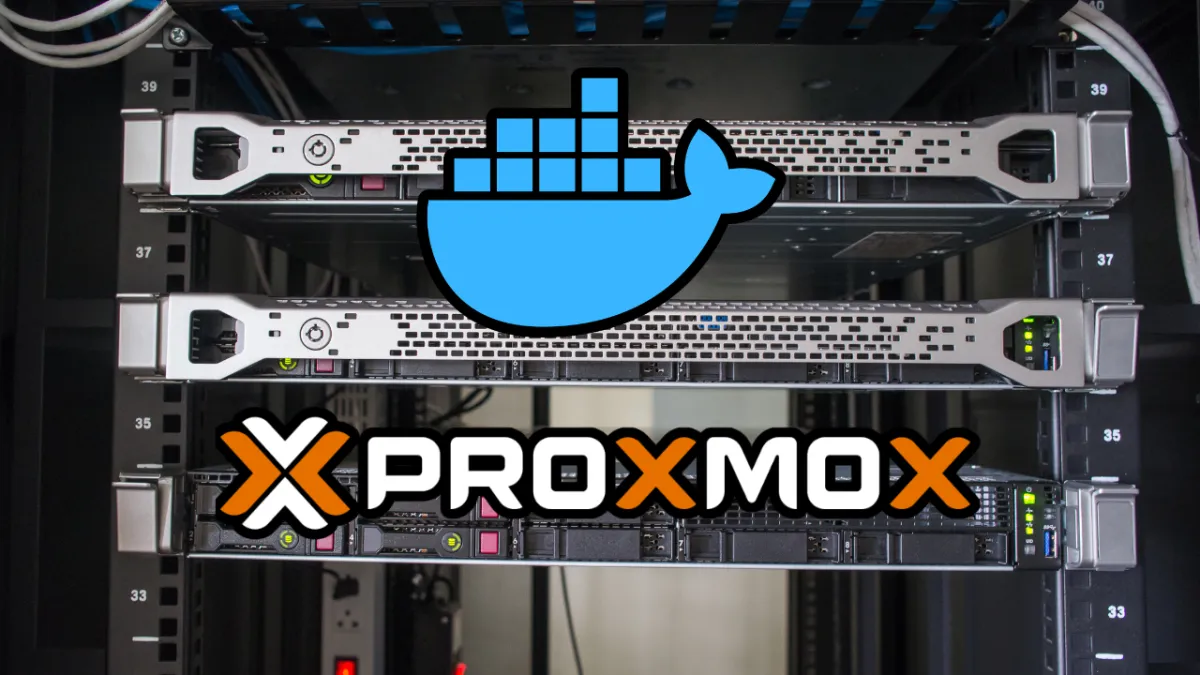
My home lab is designed as a full-featured, modern IT infrastructure environment, combining networking, security, automation, and storage, built entirely for experimentation, learning, and development purposes. It is deployed on Proxmox VE, leveraging Docker Swarm and cloud-integrated services to simulate enterprise-grade architectures while remaining isolated and secure.
1️ Core Infrastructure
Proxmox VE serves as the virtualization platform for the lab, hosting multiple virtual machines to simulate a robust network and containerized workloads. The environment currently includes:
- Docker Swarm Cluster:
- 1 Manager Node – orchestrates the cluster, handles scheduling, and manages the Swarm state.
- 3 Worker Nodes – run container workloads distributed across the cluster.
- Traefik – deployed as the Swarm ingress controller, acting as a local reverse proxy and load balancer to distribute traffic between services.
- Cloudflare Integration:
- All external traffic is routed through Cloudflare Tunnel, which means no open ports on the firewall.
- This setup enables secure, remote access to lab services without exposing the internal network.
- Networking Design:
- Internal VLANs and subnets separate management, container workloads, and storage traffic.
- Full use of internal DNS resolution and local SSL certificates via Traefik.
2️ Storage and Redundancy
TrueNAS powers storage in the lab, configured with RAID options for redundancy and resilience.
- Supports shared volumes for containers and virtual machines.
- Enables testing of backup, snapshot, and replication strategies in a controlled environment.
This allows me to simulate enterprise-grade storage solutions, ensuring data persistence even if individual drives or nodes fail.
3️ Security & Privacy
- AdGuard DNS-over-HTTPS (DoH) deployed for the lab, allowing mobile devices and lab clients to securely resolve DNS queries.
- Internal firewall rules within Proxmox and Docker Swarm restrict exposure, combined with Cloudflare Tunnel for zero-exposure external access.
- Experimentation with VPNs, encrypted traffic, and service hardening is ongoing.
4️ Automation & Development
The lab also focuses on automation and workflow testing:
- n8n: Used to automate workflows, including monitoring, alerting, and testing repetitive deployment tasks.
- EVEN Lab: Deployed for community networking labs, enabling testing, simulation, and educational exercises.
- Containers are automated with Docker Compose and Swarm stacks, making it easy to deploy, scale, and manage services.
This setup provides a hands-on playground for DevOps, networking, and security experimentation.
5️ Future Plans & Expansion
The lab is continuously evolving. Future enhancements include:
- Redundant Internet connectivity via multiple Cloudflare tunnels and local failover.
- Integration of additional storage nodes for high availability with TrueNAS replication.
- Deployment of internal monitoring, logging, and analytics tools for performance and security insights.
- Expansion of automation workflows for testing multi-service orchestration, alerting, and CI/CD pipelines.
6️ Key Focus Areas
- Container Orchestration & Service Deployment – Docker Swarm, Traefik, automated stacks.
- Networking & Security – VLANs, firewall rules, Cloudflare Tunnel, zero-exposure external access.
- Storage & Redundancy – TrueNAS, RAID, snapshots, replication.
- Automation & Workflow – n8n, EVEN Lab, DevOps pipelines.
- Privacy & DNS Security – AdGuard DoH integration on mobile and lab devices.
This lab represents a fully hands-on environment to learn, experiment, and validate enterprise-grade IT and cloud practices. It allows testing complex solutions safely, without impacting production systems, while continuously evolving to incorporate new technologies, services, and security strategies.